Can't Add a Card to Apple Wallet or Apple Pay? Checks to Run First
What to check on your device and account, and which error messages need a call to your bank. Based on Apple Support, 14 September 2026.
What to check on your device and account, and which error messages need a call to your bank. Based on Apple Support, 14 September 2026.
If a card will not add to the Wallet app for Apple Pay, work through these checks in order. This guide follows Apple Support (published 14 September 2026). It covers troubleshooting only, not general setup.
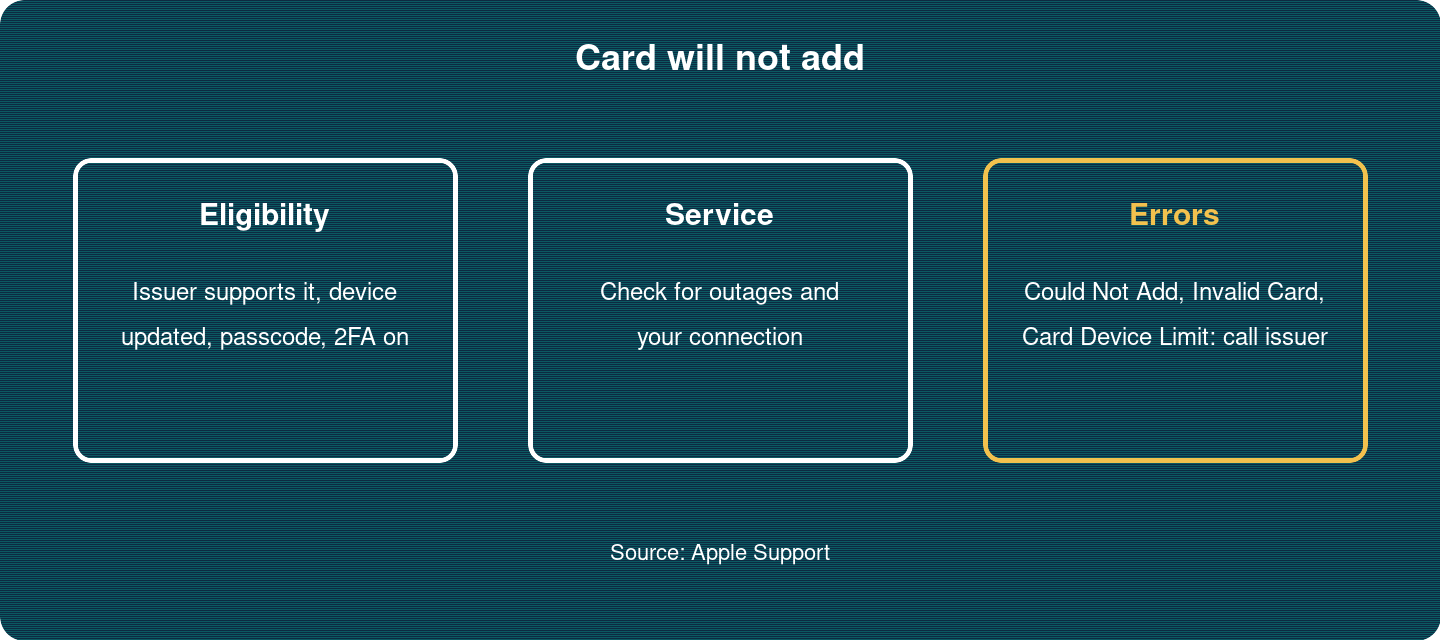
Check for service outages or connection problems, then try again.
Apple says it does not approve or decline cards for Apple Pay. If your card was declined, contact the bank or card issuer.
You might not be able to add cards if your Apple Account is locked, inactive or disabled. In some cases, you may not be able to add cards for security reasons. Any card used in Apple Pay is offered by the card issuer, and Apple Payments Services LLC is not a bank.
Wallet says "Card Device Limit". That is not something you can fix in Settings, so call the number on the back of your card. Before you do, confirm the device is updated and has a passcode, since those two checks are quick and Apple lists them first.