Fast Charge Your iPhone: The Cable and Adapter You Need
Which adapter wattage Apple lists for wired and wireless fast charging, by iPhone model, and how to check yours. Based on Apple Support, 22 October 2026.
Which adapter wattage Apple lists for wired and wireless fast charging, by iPhone model, and how to check yours. Based on Apple Support, 22 October 2026.
Fast charging needs the right cable and the right power adapter. A weak adapter still charges, just slowly. This guide follows Apple Support (updated 22 October 2026) and covers iPhone only.
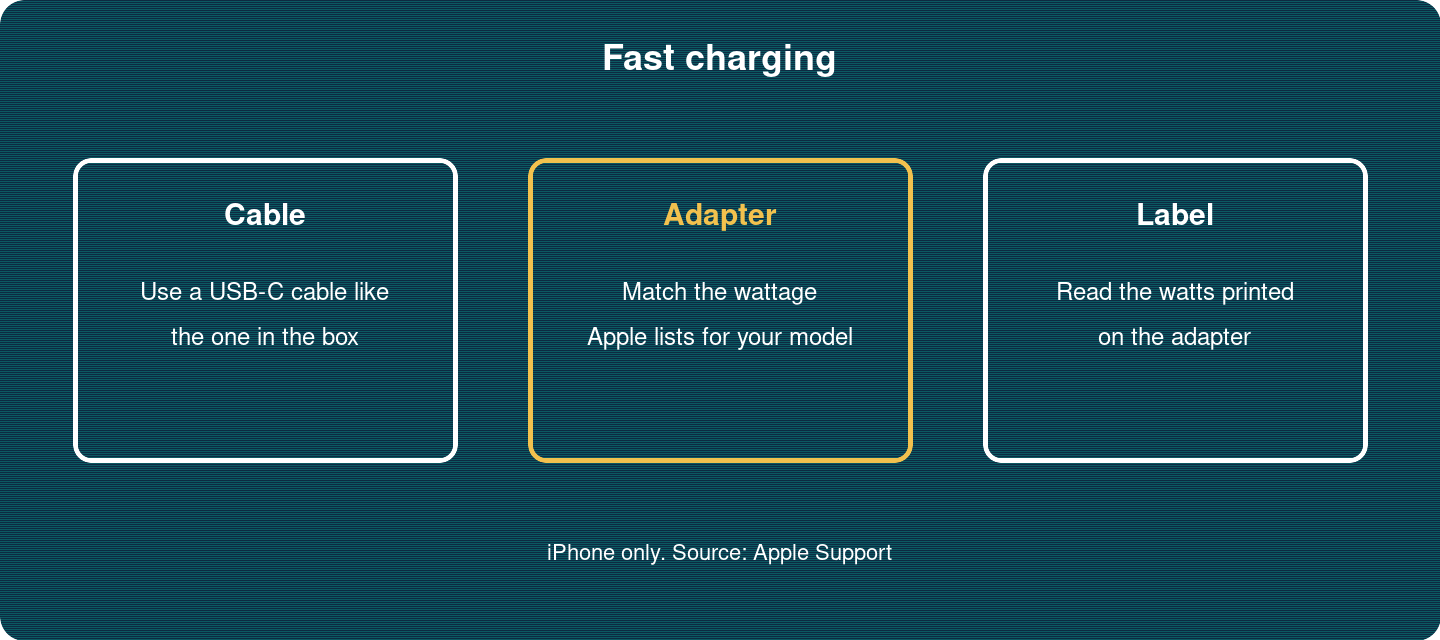
Apple says to look at the wattage printed on the top or bottom of the adapter. Fast charging might not work if it is too cold or too hot.
You have an iPhone 17 and an old 5W cube. It will charge, but it is below the 40W Apple lists for the 20-minute figure. Swap in a 40W or higher USB-PD adapter and keep the box cable. Apple says its times come from its own tests and vary with settings and conditions. If the phone will not charge at all, read iPhone won't charge or turn on. For habits that protect the battery, see charging your iPhone overnight.