Organize and Find Your Notes on iPhone
Pin notes, make folders, sort, link notes and search in the Notes app. Based on Apple Support, 14 September 2026.
Pin notes, make folders, sort, link notes and search in the Notes app. Based on Apple Support, 14 September 2026.

Notes can pin, format, link, sort and search your notes. This guide follows Apple Support (published 14 September 2026) and covers the organizing basics. To use the latest Notes features, Apple says to set up Notes with iCloud or keep notes on your device. Many features will not work with other email providers.
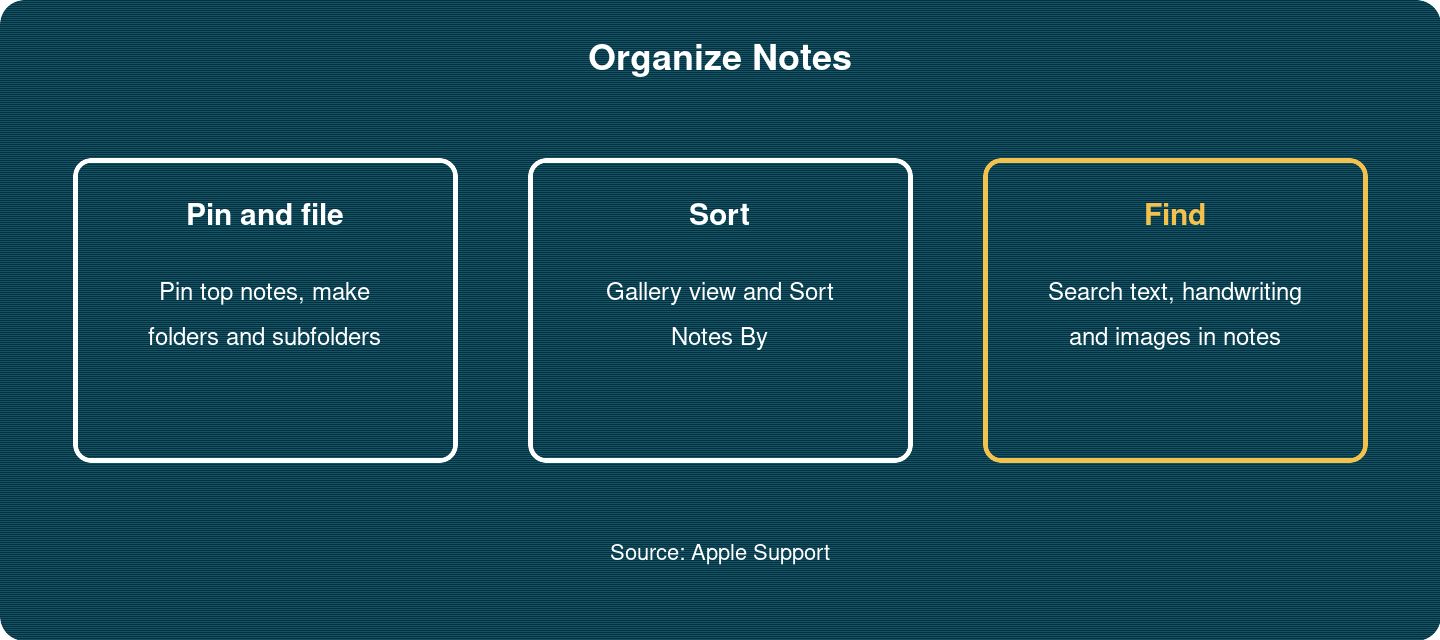
Open a folder, tap More, then View as Gallery. To sort a folder, tap More, then Sort Notes By. To sort all notes automatically, open Settings, tap Apps, then Notes, then Sort Notes By.
In iOS 17 and later: touch and hold blank space in a note, find Add Link in the menu, and choose the note by title. You can also type >> in the body, enter the note title, and select it.
Tap the Search field to find typed and handwritten notes. Apple says search can recognize what is in images inside notes. To search within one note, tap More, then Find in Note.
The Apple page also explains checklists, scanning and signing documents, attachments, and, in iOS 18 and iPadOS 18, recording and transcribing audio in a note. Open the source for those steps.