How to Unpair and Erase Your Apple Watch
Unpair with your iPhone to remove Activation Lock, or erase on the watch if you do not have the phone. Based on Apple Support, 16 March 2026.
Unpair with your iPhone to remove Activation Lock, or erase on the watch if you do not have the phone. Based on Apple Support, 16 March 2026.

Unpairing an Apple Watch restores it to factory settings and removes Activation Lock. This guide follows Apple Support (published 16 March 2026).
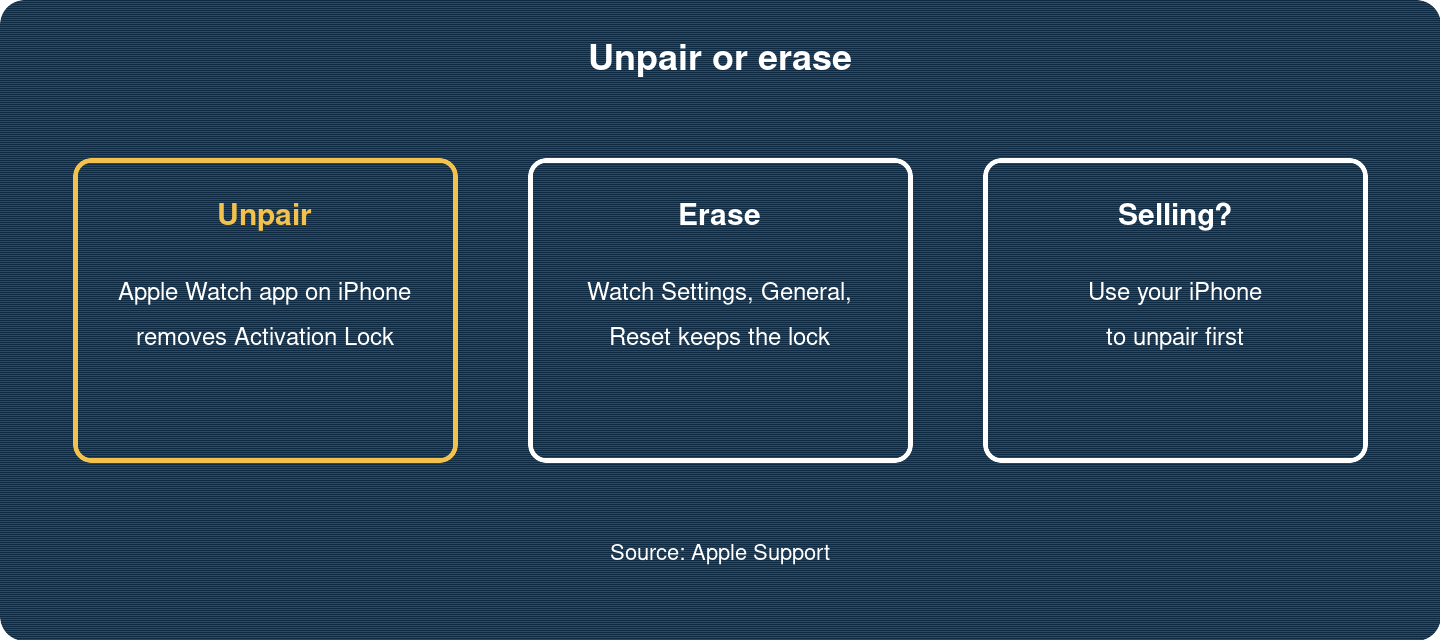
This erases the watch, restores factory settings and removes Activation Lock.
Afterwards you can set the watch up again, or turn it off if you are selling or giving it away.
This restores factory settings but does not remove Activation Lock. If you are selling or giving the watch away, Apple says it is best to unpair it using your iPhone.
Afterwards you need the Apple Account and password linked to the watch to turn off Activation Lock.
You are selling your watch. Use the iPhone to unpair, and remove the cellular plan if it has one. If you only erase it on the watch, the buyer will hit Activation Lock. The same lock exists on phones, see Activation Lock and buying a used iPhone.