What Is Lockdown Mode on iPhone, and Do You Need It?
What Lockdown Mode limits, how to turn it on, and why Apple says it is for very few people. Based on Apple Support, 14 September 2026.
What Lockdown Mode limits, how to turn it on, and why Apple says it is for very few people. Based on Apple Support, 14 September 2026.
Lockdown Mode is an extreme, optional setting. Apple says it is for the very few people who might be personally targeted by some of the most sophisticated digital threats, and that most people are never targeted that way. This guide follows Apple Support (updated 14 September 2026).
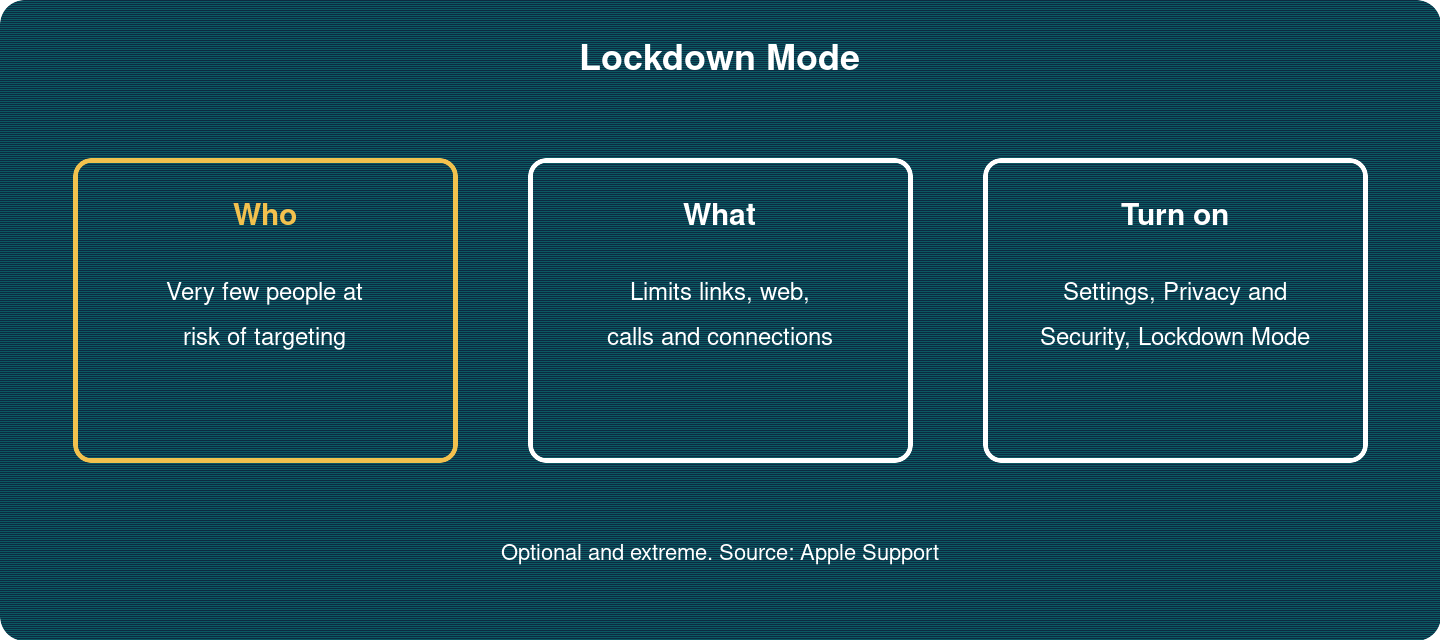
Apple says that with Lockdown Mode on, your device will not work as it normally does. Examples from Apple's page:
Phone calls and plain text messages still work. Emergency SOS calls are not affected.
Apple says to update to the latest software first. It is available on iOS 16 or later, with extra protections from iOS 17. It must be turned on separately for iPhone, iPad and Mac. Turning it on for an iPhone turns it on for a paired Apple Watch. A banner in Safari shows that it is on, and you may get a notice when an app or feature is limited.
Apple lets you exclude a trusted website, app or contact, and warns that each exclusion lowers your protection. Exclude only what you trust and only if you need to. These options appear only while Lockdown Mode is on.
To install a configuration profile you need, Apple says to turn Lockdown Mode off, install the profile, then turn it back on if needed.
An ordinary user who turns it on will notice friction fast: links in messages stop opening and some websites look broken. For most people, the steps in turn on two-step sign-in and how to spot a phishing text do more day to day. This site does not suggest Lockdown Mode for general use.