Edit a Sent Message on iPhone: The 15-Minute Rule and What Others See
Five edits within 15 minutes, how to do it, and why the original stays visible in the edit history. Based on Apple Support, 20 May 2026.
Five edits within 15 minutes, how to do it, and why the original stays visible in the edit history. Based on Apple Support, 20 May 2026.

You sent a message with a typo, and it is still within a short window to fix it. Apple's support page (20 May 2026) explains how editing works in Messages and what the other person sees.
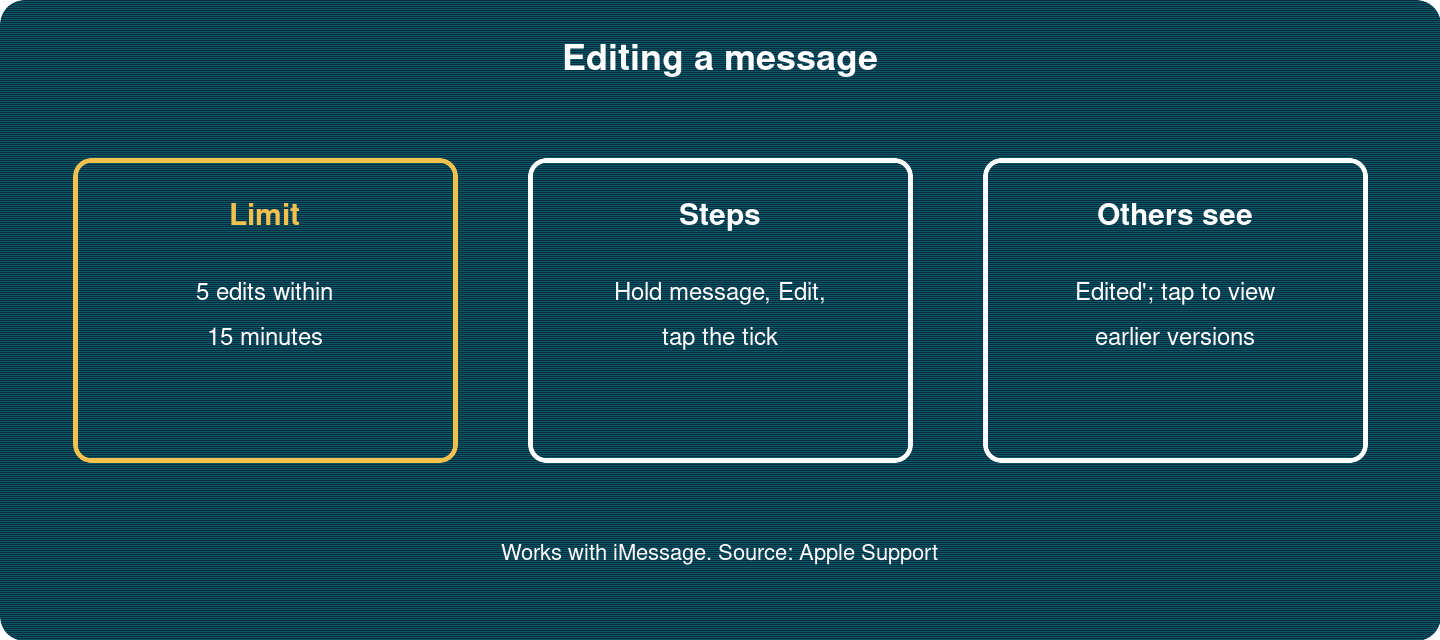
With iOS 16, iPadOS 16.1, macOS Ventura or later, you can edit a sent message up to five times within 15 minutes after you send it.
The word "Edited" appears under the message afterwards.
You text a friend "see you at 5" meant for 6. Within 15 minutes, hold the message, tap Edit, change it to 6 and tap the tick. Your friend sees the new time marked Edited and can open the history. After 15 minutes, or after five edits, send a new message instead. For wrong-number or suspicious messages in the other direction, see how to spot a phishing text.