iCloud Photos: How to Turn It On and What Deleting Does
Turn on iCloud Photos on iPhone, Mac and Apple TV, and learn why a delete on one device removes the photo everywhere. Based on Apple Support, 14 September 2026.
Turn on iCloud Photos on iPhone, Mac and Apple TV, and learn why a delete on one device removes the photo everywhere. Based on Apple Support, 14 September 2026.

iCloud Photos keeps your photos and videos in iCloud and the same on every signed-in device. That is handy, but it also means a delete on one device is a delete everywhere. This guide follows Apple Support (updated 14 September 2026).
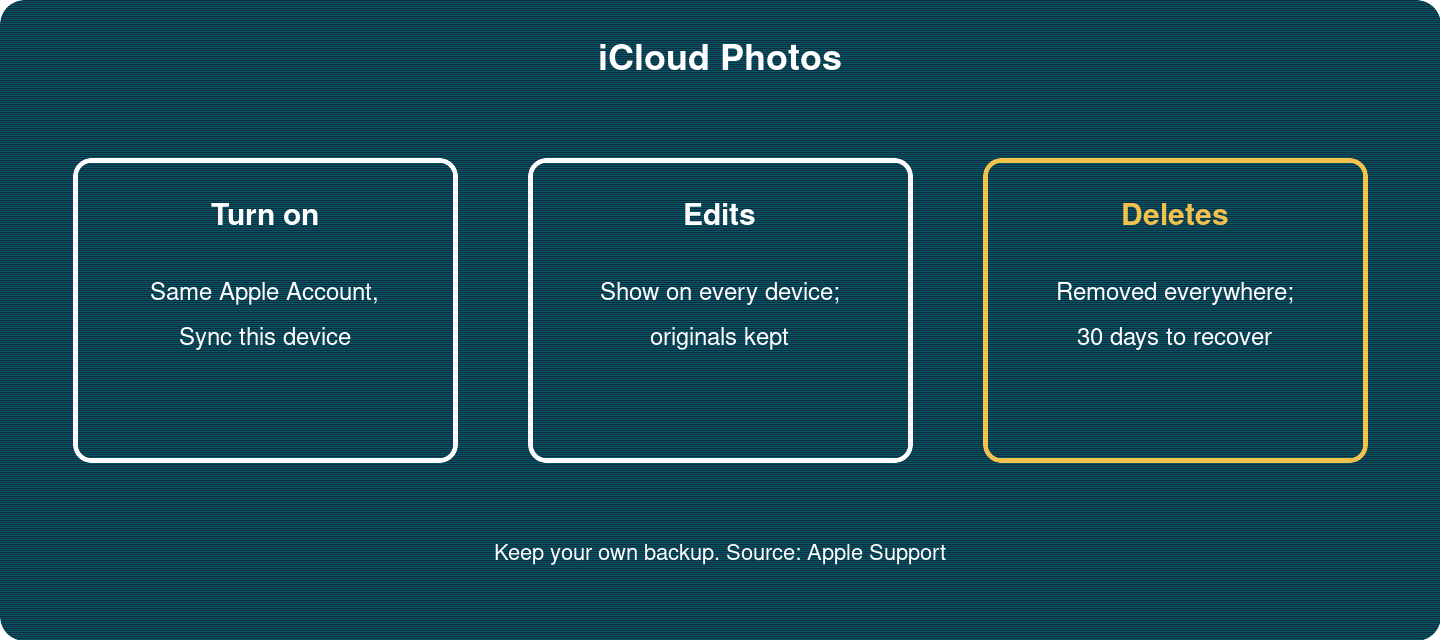
Apple says iCloud Photos stores each photo and video in its original format at full resolution, including Live Photos, slo-mo and 4K video. Changes you make on one device appear on your others. How fast depends on your internet speed.
First, sign in to iCloud with the same Apple Account on every device.
Edits show up on all devices. iCloud keeps the original, so you can revert an edit later. Deletes also spread: a photo deleted on one device is deleted from all devices using iCloud Photos. Apple says you can recover it from Recently Deleted for 30 days, then it is gone for good.
Apple notes that photos in iCloud Photos are not duplicated in your iCloud backup, so keep backup copies of your library.
You clear space on your iPhone by deleting old videos. With iCloud Photos on, they vanish from your iPad and Mac too. If you want space back without losing them, Apple describes Optimize Storage for saving space on the device. See iPhone photo and video storage explained, iCloud storage full and iPhone storage full.