How to Request a Refund for an Apple App or Purchase
The reportaproblem.apple.com steps, how long to wait, and what to do if you cannot find the charge. Based on Apple Support, 17 September 2026.
The reportaproblem.apple.com steps, how long to wait, and what to do if you cannot find the charge. Based on Apple Support, 17 September 2026.
Some App Store, iTunes Store and Apple Books purchases can be refunded. This guide follows Apple Support (updated 17 September 2026). Apple decides each request, and eligibility can vary by country or region.
If you were charged for a subscription you no longer want, Apple says you can also cancel it.
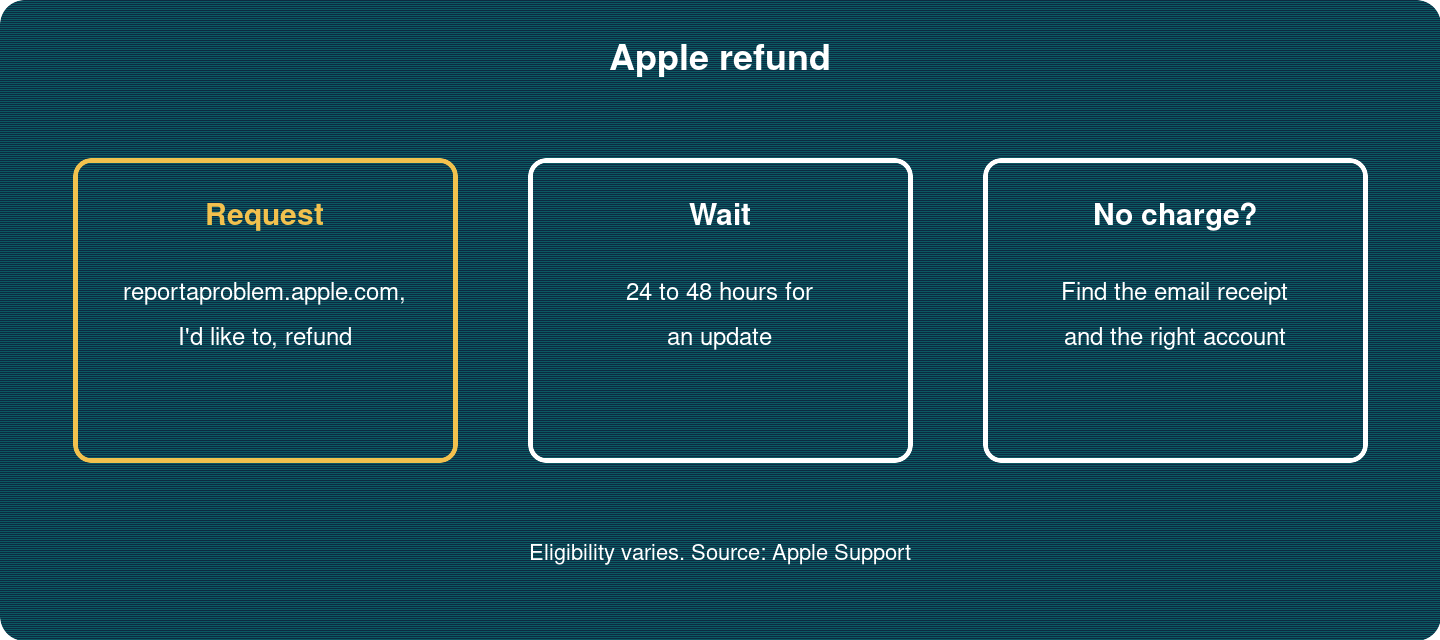
Apple says to wait 24 to 48 hours for an update and that you can check the status of the request. If Apple approves it, the money may take extra time to reach your payment method.
In some places digital goods are not bought through Apple. Apple points to its Media Services Terms and notes consumer rights under local law. For refunds you cannot request on the site, contact Apple Support.
You see a charge for an app your child bought. Search email for the receipt, check which Apple Account paid, sign in to reportaproblem.apple.com with it, and choose Request a refund. A refund is not promised, so give the reason honestly. If you do not recognise the charge at all, read what to do if your Apple Account is compromised.