Sharing Your Location on iPhone: Once, On the Way, or Ongoing
What each way of sharing location reveals, how to drop a pin, and how Check In works. Based on Apple Support, 5 October 2026.
What each way of sharing location reveals, how to drop a pin, and how Check In works. Based on Apple Support, 5 October 2026.

iPhone offers several ways to share where you are, and they differ a lot in how much the other person can see. Apple's support page (5 October 2026) describes three: once, on the way, and ongoing. This guide is for iPhone and follows that page.
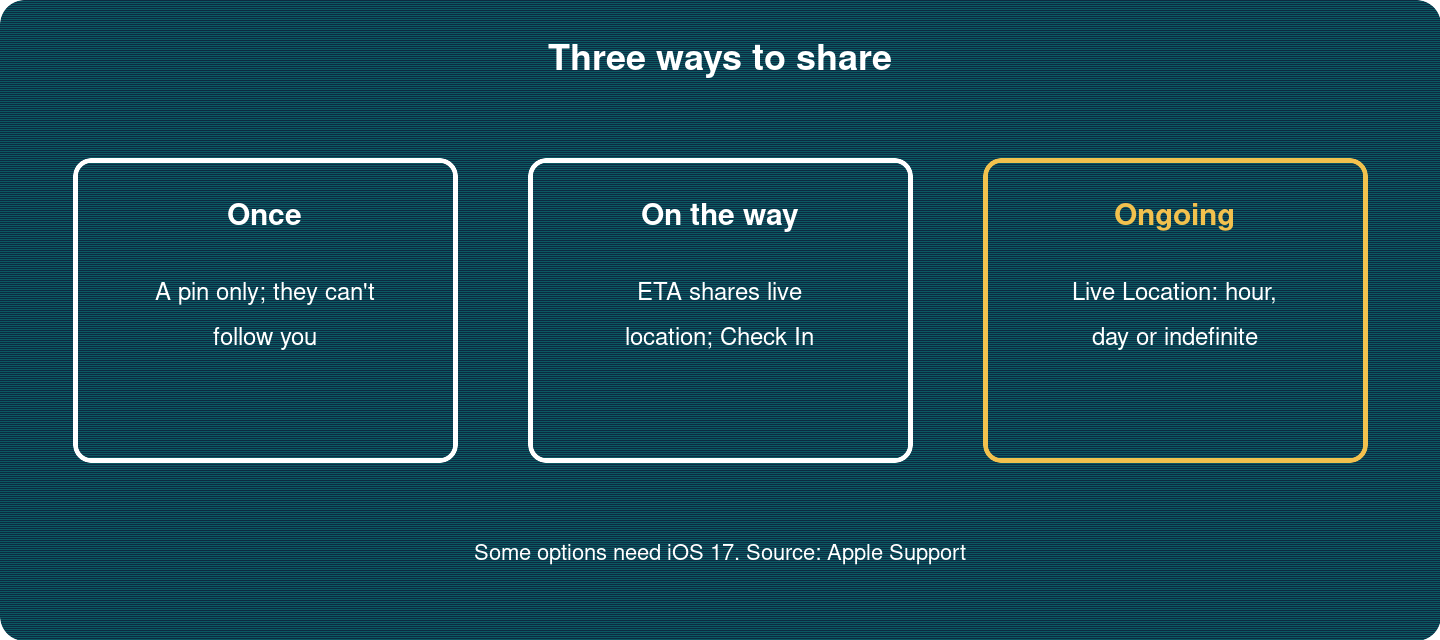
Apple says some options need iOS 17. If you do not see one, update your iPhone.
In Maps you can scroll to Share My Location and choose how to send a pin.
Apple says Check In does not automatically share your location. It shares only if there is an unexpected delay and you are unresponsive. If your iPhone does not arrive as expected, Check In notifies your trusted contact, shares your current location, and shares the network signal and battery details. You can choose to share more, such as the route you travelled.
You are meeting a friend at a station. A one-time pin tells them where you are standing and nothing more. Sharing your ETA from Maps lets them watch you travel until you arrive, which is more than a pin. Walking home late, Check In tells a trusted contact only if you do not arrive. For a long-term share with family, "indefinitely" stays on until you turn it off, so pick the shortest option that does the job. That is my suggestion, not Apple's page. If a phone is lost see stolen iPhone, and for unknown trackers see AirTag alert.