How to Sign In to Your Apple Account on the Web and on Your Devices
Sign in on the web, on iPhone by another device or manually, and how Apple Watch signs in. Based on Apple Support, 16 October 2026.
Sign in on the web, on iPhone by another device or manually, and how Apple Watch signs in. Based on Apple Support, 16 October 2026.
Your Apple Account gives you iCloud, the App Store and other Apple services. Apple says "Apple ID is now Apple Account", and you can still sign in with the same email address or phone number and password. This guide follows Apple Support (updated 16 October 2026).
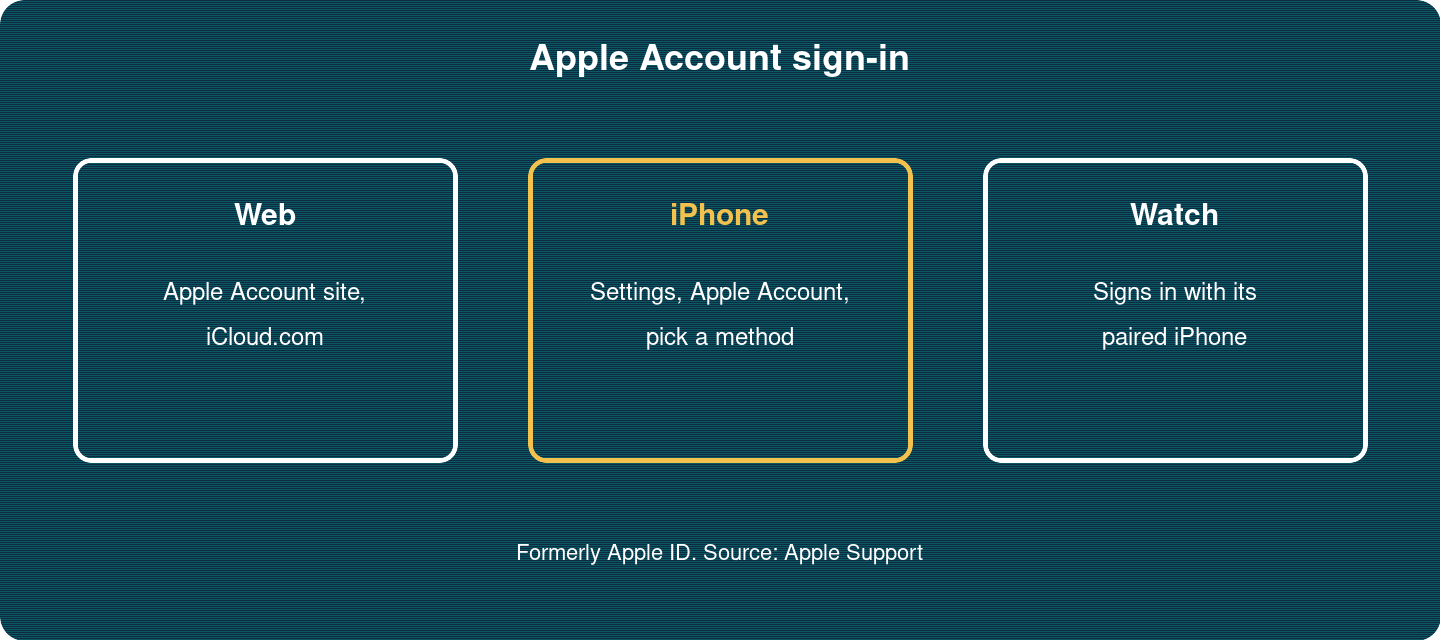
Apple says the other-device option needs Bluetooth on for both devices and compatible software. If you do not see it, update iOS or iPadOS on both.
If you are signed in on the iPhone paired with your Apple Watch, the watch signs in to the same account automatically. For HomeView, Apple says you need to be signed in on an iPhone or iPad and be a resident of that home in the Home app.
You get a new iPad. Open Settings, tap Apple Account, and pick Use Another Apple Device. Hold your iPhone nearby with Bluetooth on and follow the prompts. If a code arrives on your phone that you did not ask for, do not share it. Read what to do if your Apple Account is compromised and turn on two-step sign-in.