Use Google Docs, Sheets and Slides Offline
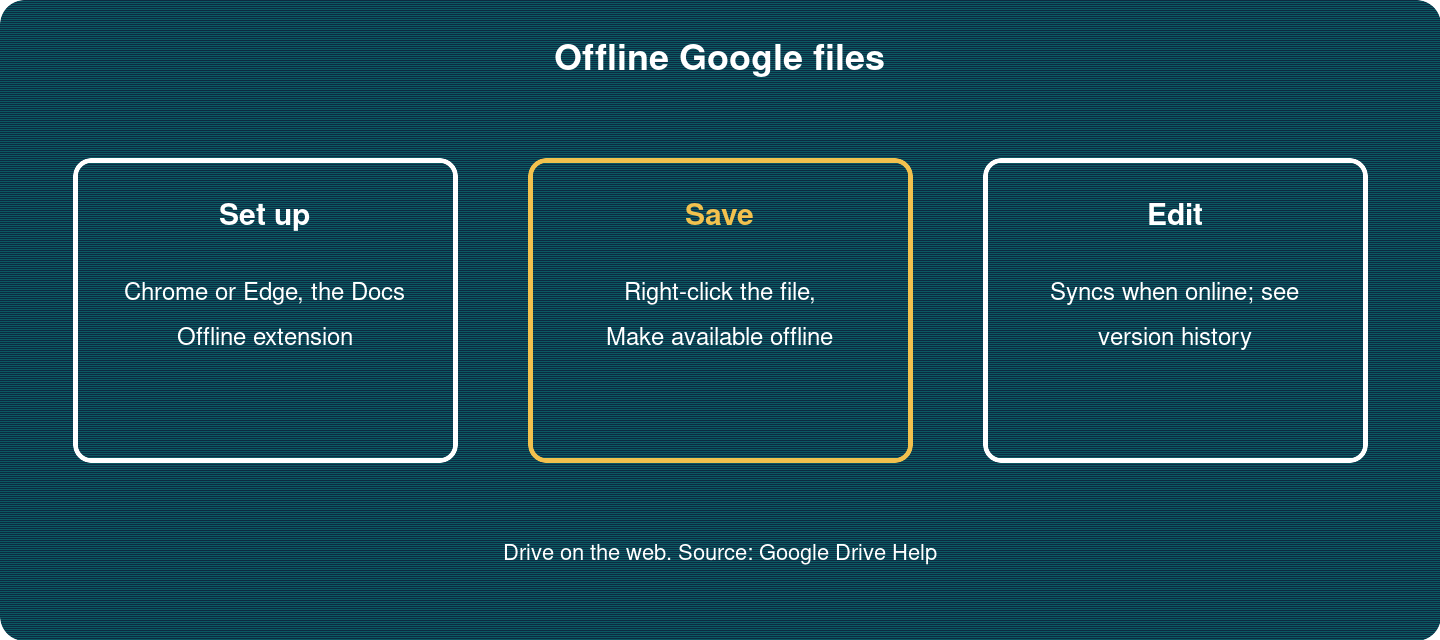
Use Chrome or Edge (not private browsing), open Google Drive, click Settings, and turn on Offline. You need to be online to set it up, and you can mark single files as Available offline.
Use Chrome or Edge (not private browsing), open Google Drive, click Settings, and turn on Offline. You need to be online to set it up, and you can mark single files as Available offline.
Short answer: on a computer, use Chrome or Microsoft Edge (not private browsing), open Google Drive, click Settings at the top right, and turn on Offline. Install the Google Docs Offline extension if prompted. You must be online to set it up. Google says recent files are saved automatically if you have space, and you can pick specific files with More, then Available offline. Source: Google Docs Editors Help (the page shows no date).
| You want to | Do this |
|---|---|
| Turn offline access on | Drive, Settings, turn on Offline (steps below) |
| Keep one file for sure | On the Docs, Sheets or Slides home screen, click More on the file, then Available offline |
| Check a file is ready | Open it and click See document status next to the title |
| Turn offline off | On the Docs, Sheets or Slides home screen, click Menu, Settings, then turn Offline off |
| Setup fails or errors | See the fixes below |
Google says turning offline on for Docs, Sheets, Slides or Drive turns it on for the rest. You can also open any document, click See document status next to the title, and click Turn on. For another Google Account, sign in to the right Chrome or Edge profile first.
Inside a file, you can also click File, then Make available offline. If your document is not ready to edit offline, the document status explains why.
Use Chrome or Edge, avoid private or incognito, install and turn on the Google Docs Offline extension, and keep the browser up to date.
Only one account per browser profile can have offline on. Create another browser profile for each extra account, then turn offline on in each.
Google says it turns on automatically for ChromeOS users, if you chose to sync Docs and Drive when creating a Chrome profile, or if Drive for desktop is installed.
Clearing site data for docs.google.com removes cookies for that site. If your browser is old, first see how to update Chrome. For other cookie clearing, see clear cache and cookies in Chrome.