Video or Photo Won't Open on Your iPhone, iPad or Mac? What to Try
Why a media file will not open, how to update, find the file format on a Mac, and look for another app. Based on Apple Support, 14 September 2026.
Why a media file will not open, how to update, find the file format on a Mac, and look for another app. Based on Apple Support, 14 September 2026.

A video, song or image that will not open on your iPhone, iPad or Mac is usually damaged or in a format your device or app does not support. This guide follows Apple Support (published 14 September 2026).
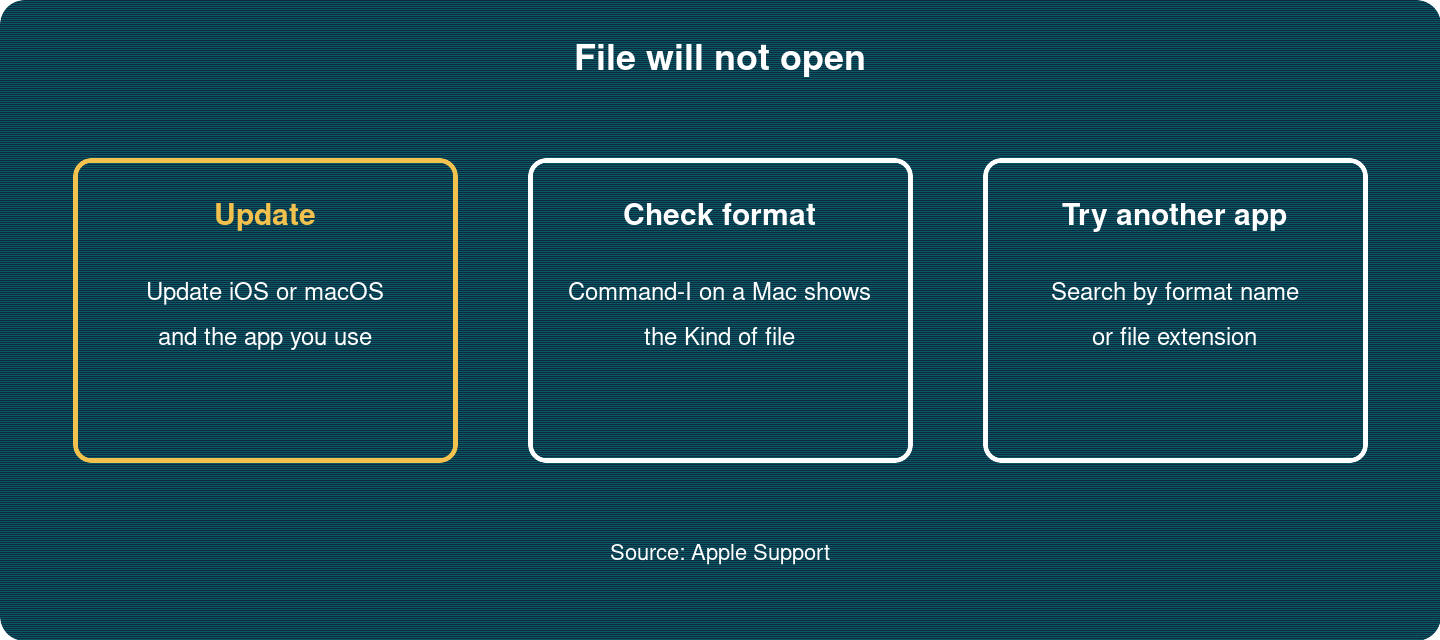
Select the file in Finder and press Command-I. The format may appear next to Kind, for example "Kind: Matroska Video File".
A friend sends a .mkv video and QuickTime Player will not play it. Press Command-I on the file to confirm the format, update macOS (see update macOS on your Mac), then search for an app that supports .mkv. Apple notes that third-party apps and sites are not endorsed by Apple, so check an app's reviews and publisher before you install it.