Why You Should Install Software Updates (and How to Make Them Automatic)
Why updates fix known security holes, CISA's three steps, a weekend checklist and what to do with devices that do not update.
Why updates fix known security holes, CISA's three steps, a weekend checklist and what to do with devices that do not update.

Update prompts are easy to postpone. CISA's advice is that you should not, and the reason is simple: many updates exist to close security holes that criminals already know about. This guide covers what CISA says, how to turn on automatic updates and what to do for devices that cannot update.
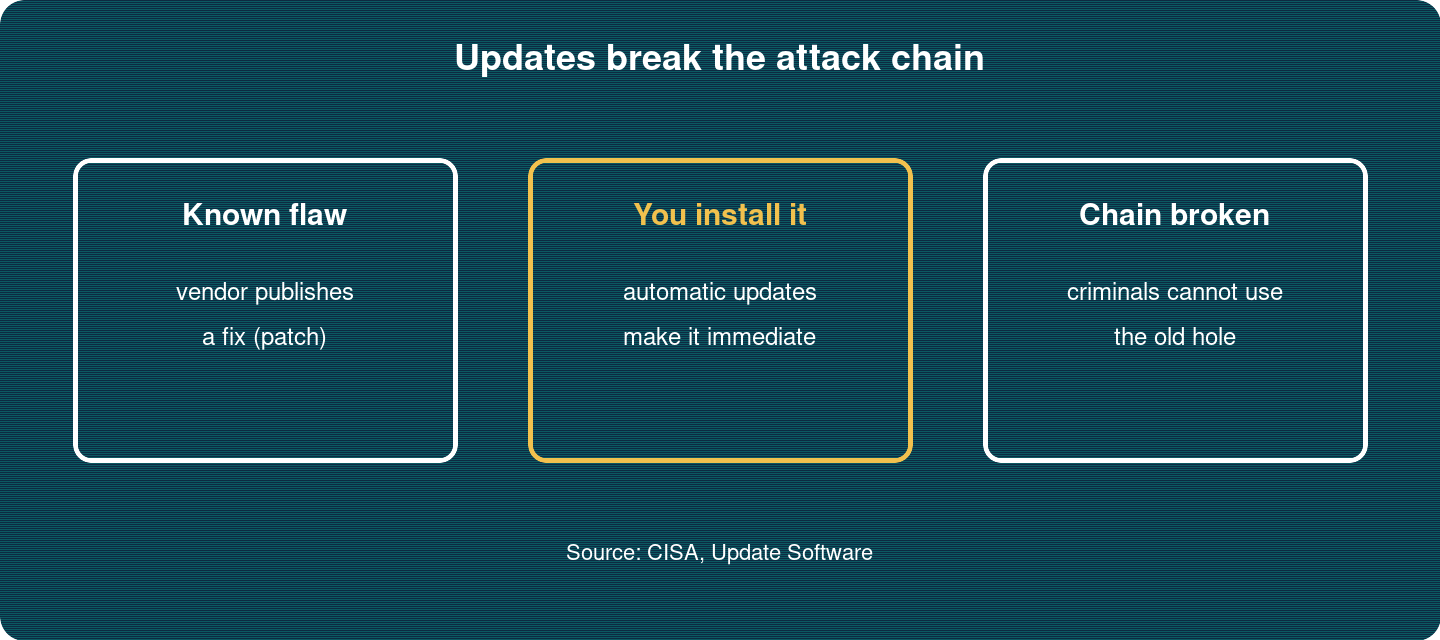
CISA says many software updates are created to fix security risks. Technology providers issue updates to patch weak spots as quickly as they can, and if you do not install them, they cannot protect you. If a criminal gets into a device through a security flaw, they look for sensitive information to exploit. Updates also fix bugs, improve performance and add features, which is the reason people usually give for them.
CISA tells the story of a woman who kept choosing "Remind me later." Her computer slowed down. Then her browser looked different, she was locked out of accounts and money left her bank account. A scan found malware, likely downloaded after a link was clicked on an infected website, which used a known flaw in her old operating system. A repair shop removed the malware, updated the system, which fixed the flaw, and set up automatic updates.
The point is the chain: a known flaw, a bad link and an unpatched system. Updates break the chain at the middle link.
CISA says every product should have automatic updates by default, and that if one does not offer them, you can ask the provider why. In practice, set a calendar reminder to check manually, and think about replacing devices that no longer get updates at all.
A patched system can still be tricked by a convincing message. Pair updates with the habits in how to spot a phishing text and strong passwords.