Set Up an Apple Account Recovery Contact on iPhone or Mac
Who can be a recovery contact, what they can and cannot do, and the steps on iPhone, iPad and Mac. Based on Apple Support, 14 September 2026.
Who can be a recovery contact, what they can and cannot do, and the steps on iPhone, iPad and Mac. Based on Apple Support, 14 September 2026.
A recovery contact is a person you choose who can help you get back into your Apple Account if you forget your password or device passcode. This guide follows Apple Support (updated 14 September 2026).
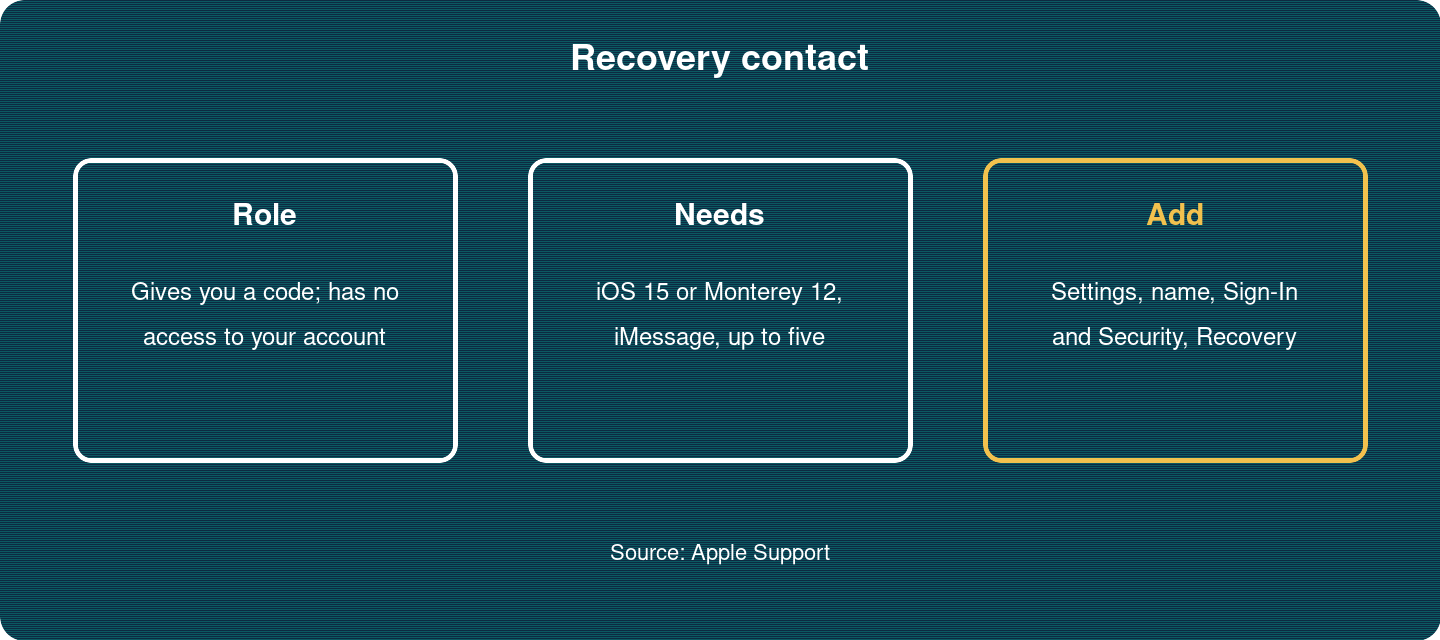
Apple says recovery contacts get no access to your account, only the ability to give you a code. Apple does not know who your contacts are, so you need to remember them yourself. Without one you can still use full account recovery, which can take longer.
If your contact declines or removes themself, you get a notification and can pick another.
You add your sister as a recovery contact and tell her. A year later you forget your password after changing phones. She can give you a code during recovery, and you reset your password. Never share a recovery code with anyone who contacts you first, because that is a common scam. See what to do if your Apple Account is compromised and sign in to your Apple Account.