How to Back Up Your Data and Why Encryption Comes Next
The threats to stored data, how to back up to a drive or vetted cloud service without exposing the backup to ransomware, and the three kinds of encryption.
The threats to stored data, how to back up to a drive or vetted cloud service without exposing the backup to ransomware, and the three kinds of encryption.
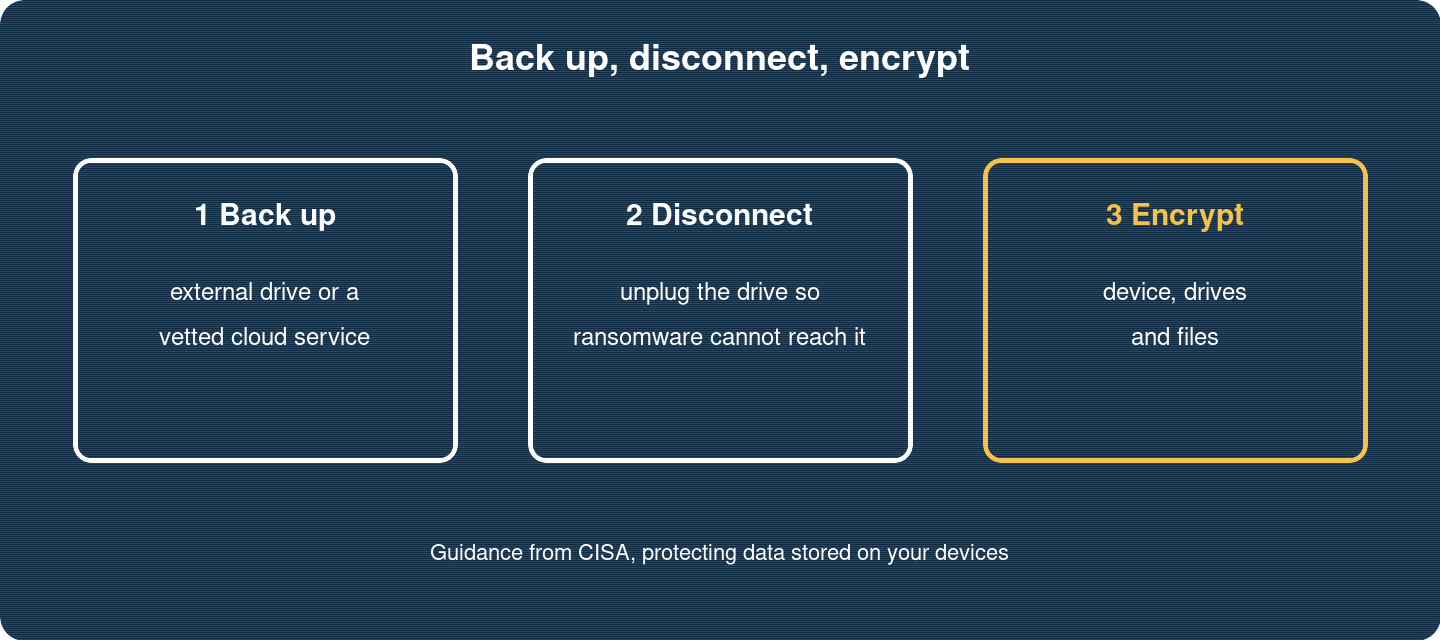
A phone or laptop can be lost, stolen, broken or locked by malware. A backup is the only way to get your files back. This guide follows CISA's guidance on protecting data stored on your devices: back up, and encrypt.
CISA lists several threats to stored data:
CISA says to back up to an external hard drive or a properly vetted cloud service. Some points it makes:
CISA's home network guidance adds: back up regularly, consider an automated backup tool, and encrypt the backup to protect its confidentiality and integrity. It says backups are crucial for reducing the impact if data is lost, corrupted, infected or stolen.
Backups protect against loss. Encryption protects against exposure. CISA says threat actors who reach a device can read, change, steal or lock any data that is not encrypted. It describes three kinds: system encryption for the device, drive encryption for removable media such as external drives, thumb drives and SD cards, and file encryption for individual documents. Using all three strengthens your position. Before setting up encryption, CISA says to back up first so that a mistake cannot cut you off from your own data.
If your tool offers a choice of algorithm, CISA recommends the Advanced Encryption Standard (AES), which comes as AES-128, AES-192 and AES-256. All three are highly secure. It notes that AES-128 may run faster on older, slower devices.
The last step is my suggestion rather than a CISA line, and it matters because a backup you never tested is a guess. Related: secure your home router and why updates matter.