Can't Sign In to Google? How Account Recovery Works
The recovery path for a forgotten password or username, the 7-day wait after changing recovery info, and why paid recovery services are a warning sign. Based on Google Account Help.
The recovery path for a forgotten password or username, the 7-day wait after changing recovery info, and why paid recovery services are a warning sign. Based on Google Account Help.
If you cannot sign in to Google, recovery is usually possible, but it follows a set path, and there are scams that target people in exactly this position. Google's Account Help page covers the options. This guide follows that page.
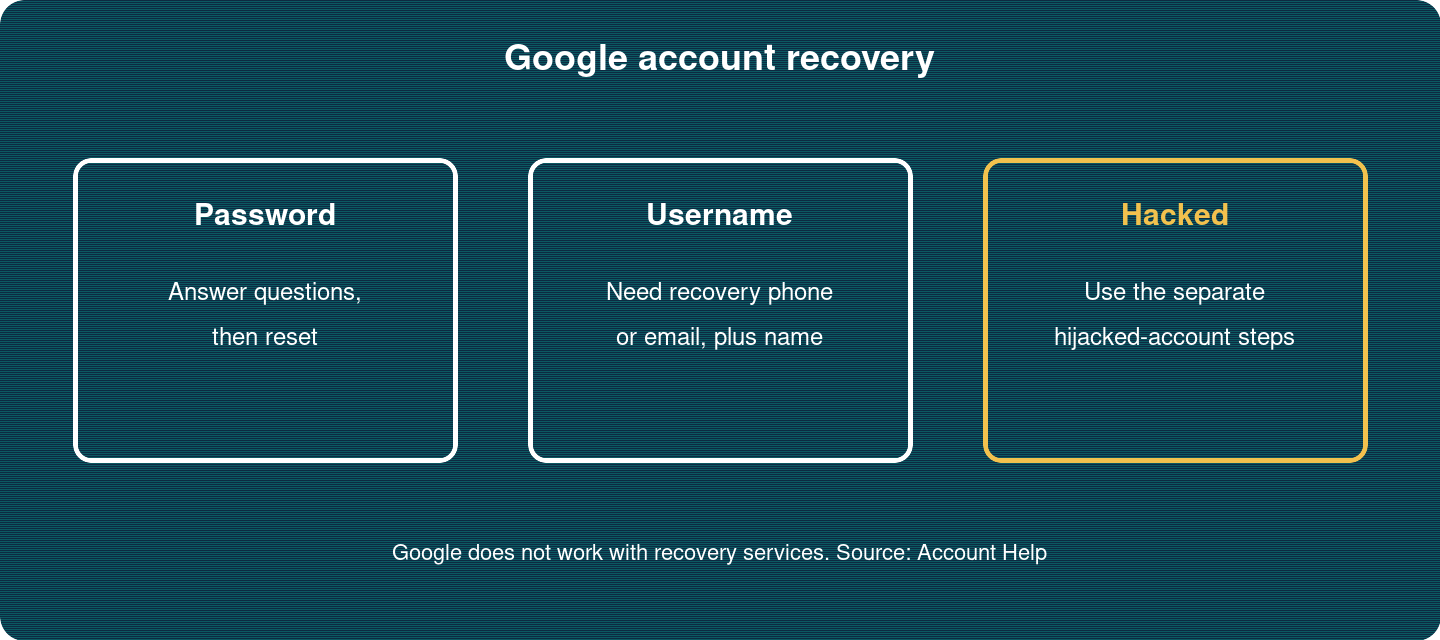
Google says wrong guesses will not kick you out of the recovery process and there is no limit to the number of attempts. If you use an account from work or school, the steps may not work and you should ask your administrator.
You need a phone number or the recovery email for the account, and the full name on it. After confirming it is your account, you get a list of matching usernames.
If you cannot recover the account, Google says you can create a new one and gives tips to avoid being locked out again.
Google says you cannot call it for help signing in and that it does not work with any service claiming to provide account or password support. Do not give out your passwords or verification codes. A person or website that promises to get you back in for a fee is not working with Google. See also how to spot a phishing text.
This part is general advice from related guides, not from Google's recovery page: keep recovery contact details up to date, use a password manager, and turn on two-step sign-in with a backup method. See strong passwords and password managers and turn on two-step sign-in. The Apple equivalent is Apple Account hacked.