Share Your Wi-Fi Password From iPhone Without Typing It
What both Apple devices need, the three steps, and what to try if the prompt never appears. Based on Apple Support, 17 March 2026.
What both Apple devices need, the three steps, and what to try if the prompt never appears. Based on Apple Support, 17 March 2026.

You can share your Wi-Fi password with a friend's Apple device without reading it out. Apple's support page (17 March 2026) lists what both devices need and the steps. This guide follows that page.
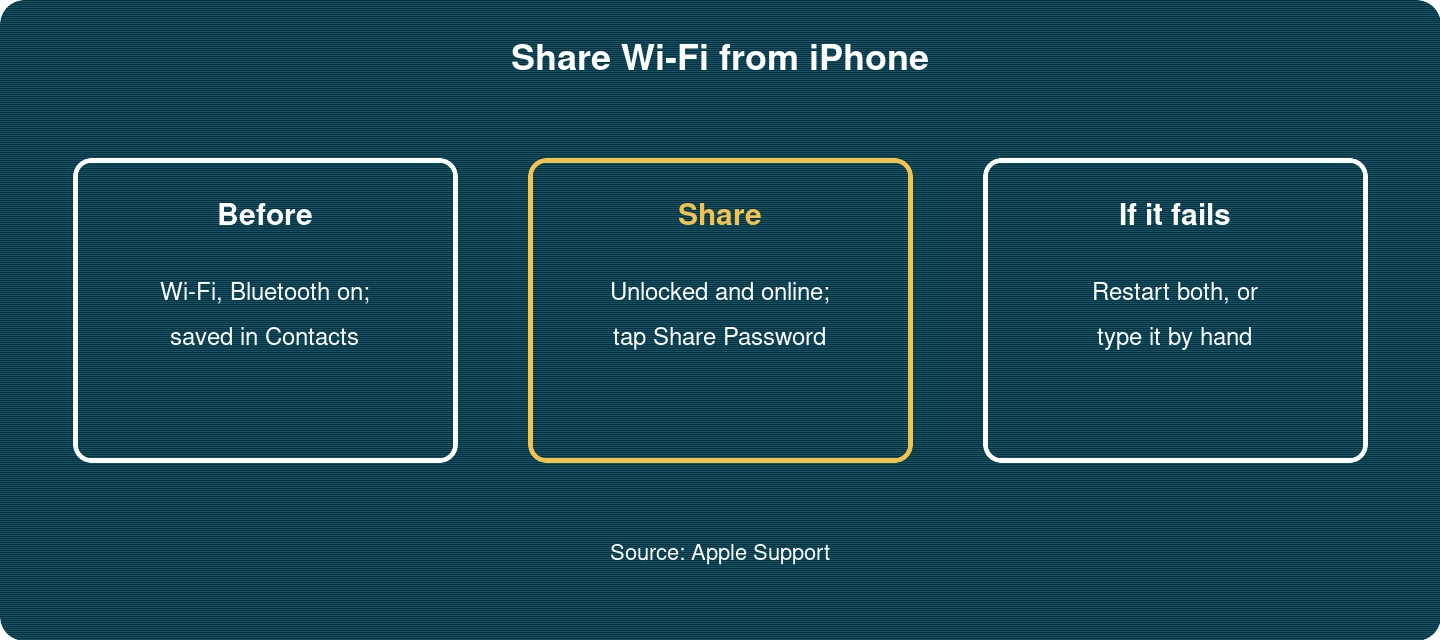
Apple says to test after each step. If you do not see the setup animation, restart both devices and try again. If it still fails, have the other person type the password in by hand. Apple also has a page on finding saved Wi-Fi passwords on your iPhone or iPad.
A guest asks for your home Wi-Fi. If they are not in your contacts, add their Apple Account email first, since the prompt will not appear without it. If you would rather not share your main network at all, many routers can offer a separate guest network (my suggestion, not Apple's page). See secure your home router. If the shared network is slow, see Wi-Fi slow in one room. For Android phones see connect to and share Wi-Fi on Android.