How to Change Your Apple Account Password
Change the password on a trusted device, Mac or the web, and what the one-hour wait means. Based on Apple Support, 29 September 2026.
Change the password on a trusted device, Mac or the web, and what the one-hour wait means. Based on Apple Support, 29 September 2026.
Apple says the easiest and most secure way to change your Apple Account password is on a trusted device: one where you already signed in to your Apple Account with two-factor authentication. This guide follows Apple Support (published 29 September 2026).
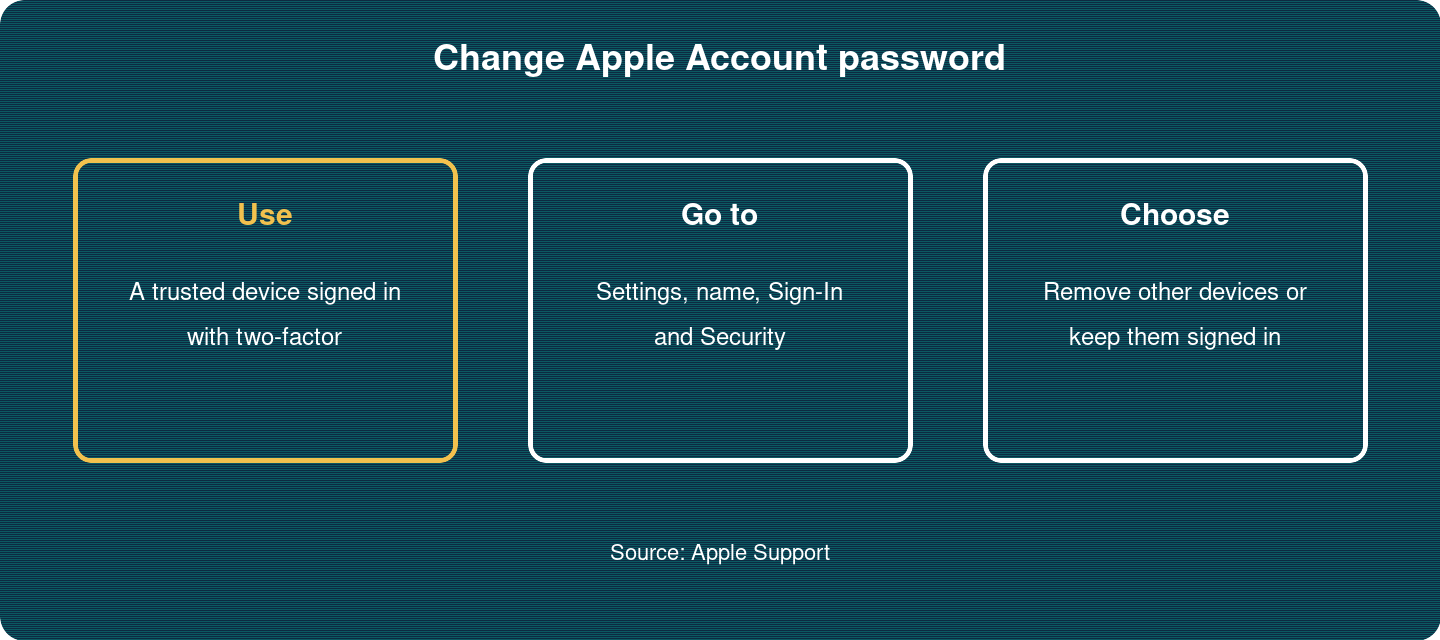
Apple says the website sends you to a trusted device when possible. With no trusted device you may be able to change it at account.apple.com: sign in, go to Sign-In and Security, and choose Password.
You might have to wait one hour before changing the password. Apple links this to Stolen Device Protection and security delays. See Stolen Device Protection.
A parent or guardian in the Family Sharing group can use their trusted device: Settings, Family, choose the child, then Change [child's name] Password. If the child's account has Screen Time on, you might need Personal Information first.
If you forgot the password, Apple points to its account recovery pages. See also set up an account recovery contact. If you think you entered your password on a scam site, read fake Apple support warning signs.